💻
Desktop
Windows, macOS and Linux clients support global and per-app proxying for work and development.

Standard plans keep 3 devices online at once. Need more? QuickQ S supports hundreds of simultaneous devices for homes, teams and multi-store operations.
Windows, macOS and Linux clients support global and per-app proxying for work and development.
iOS and Android clients offer one-tap connect, smart routing and reliable background operation.
Use the Android TV client or a router setup to stream global content in the living room.
Configure QuickQ on your router and every device at home shares the acceleration — no per-device install.
Share an accelerated connection via router or PC to cut ping and packet loss on console.
QuickQ S keeps hundreds of devices online with a fixed exit node bound to each environment.
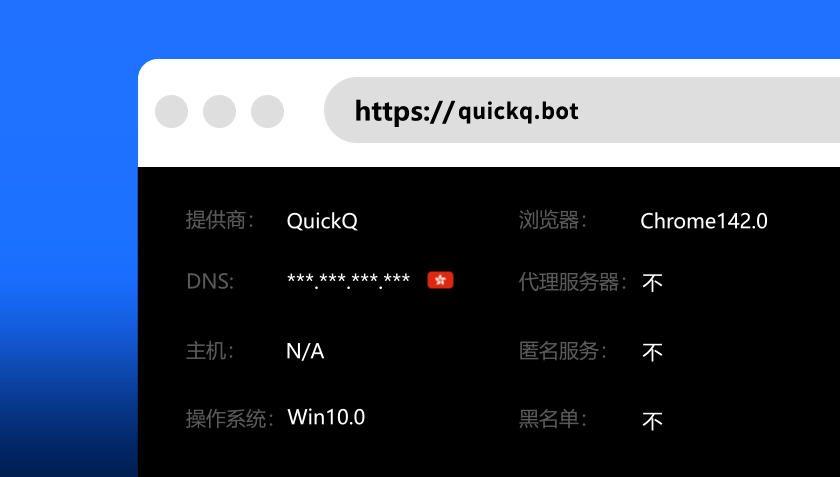
Choose the QuickQ S multi-device plan on the pricing page and complete checkout.
Install the client on each device and sign in with the same account.
Bind a fixed exit node per device or environment to avoid frequent region switching.
Review online devices and traffic in the account center and sign out anything unexpected.
The answers users ask for most, all in one place.
Standard plans allow 3 simultaneous devices; QuickQ S supports hundreds at once.
New sign-ins are blocked until you sign out another device or upgrade to QuickQ S.
Yes — share one account, or move to QuickQ S for a much larger device allowance.
Install QuickQ in under 30 seconds and connect with one tap. New users get free access to all high-speed nodes.
Free Download